

Filtering lets you apply a strategic lens to your analysis. Instead of viewing your results in aggregate, you can drill into key segments of your audience, such as those most engaged, most at risk, or most profitable, and see how their preferences or behaviors differ.
Filtering analysis data in Discover is done in two ways: quick filters and advanced filters.
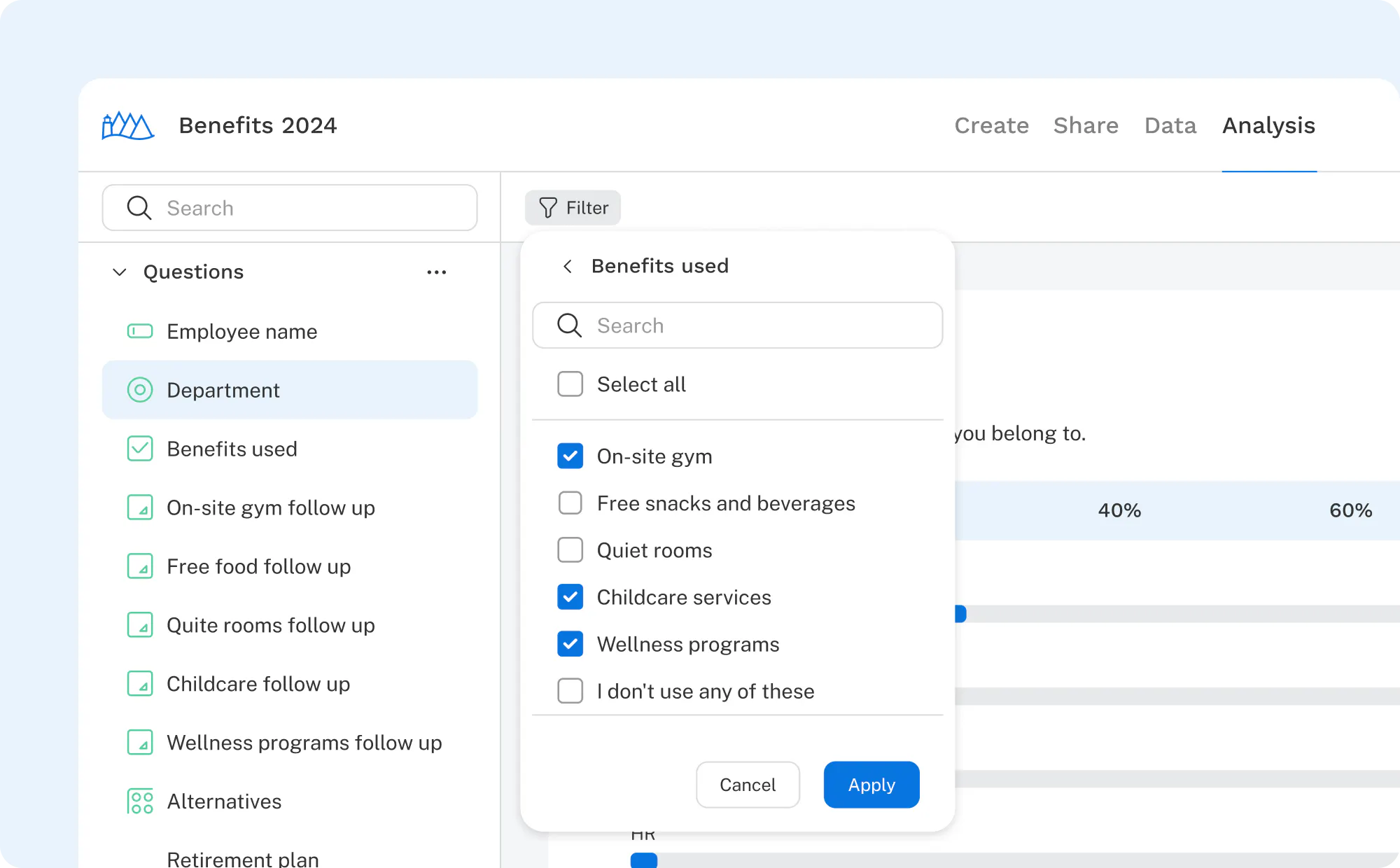
Quick filters are, as the name implies, intended to be quick and simple. They don’t offer elaborate logic building; rather, they allow you to set quick parameters based on question responses and variable data.
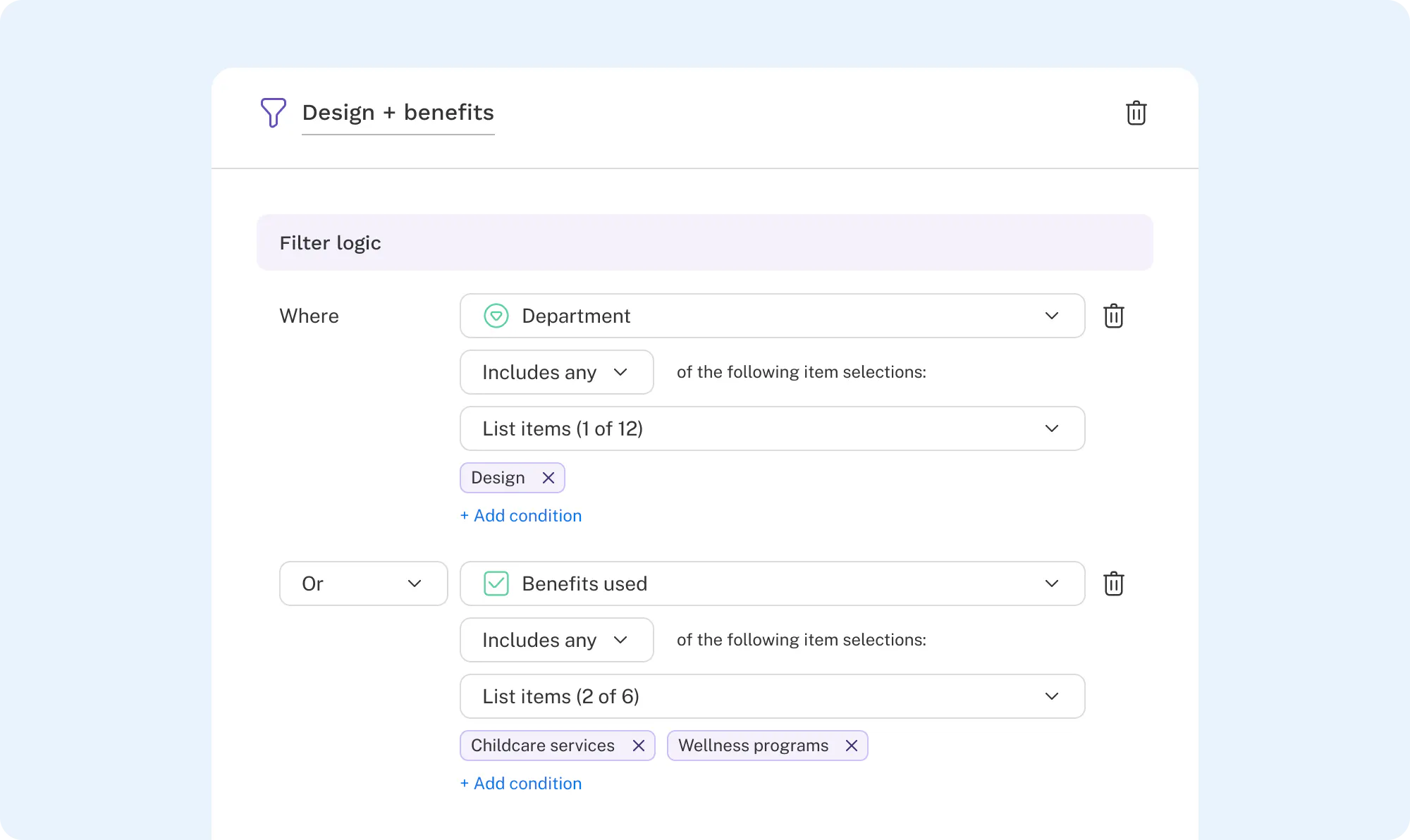
Advanced filters are used when complex logic is needed to construct the filter. Logic is built with the dropdown interface similar to logic building in other places of survey authoring. In addition to supporting complex logic, advanced filters offer the convenience of saving any filter setup for future use. Once saved, they can be easily accessed from the filter menu without having to recreate the conditions each time.
Check out filtering in Discover now!